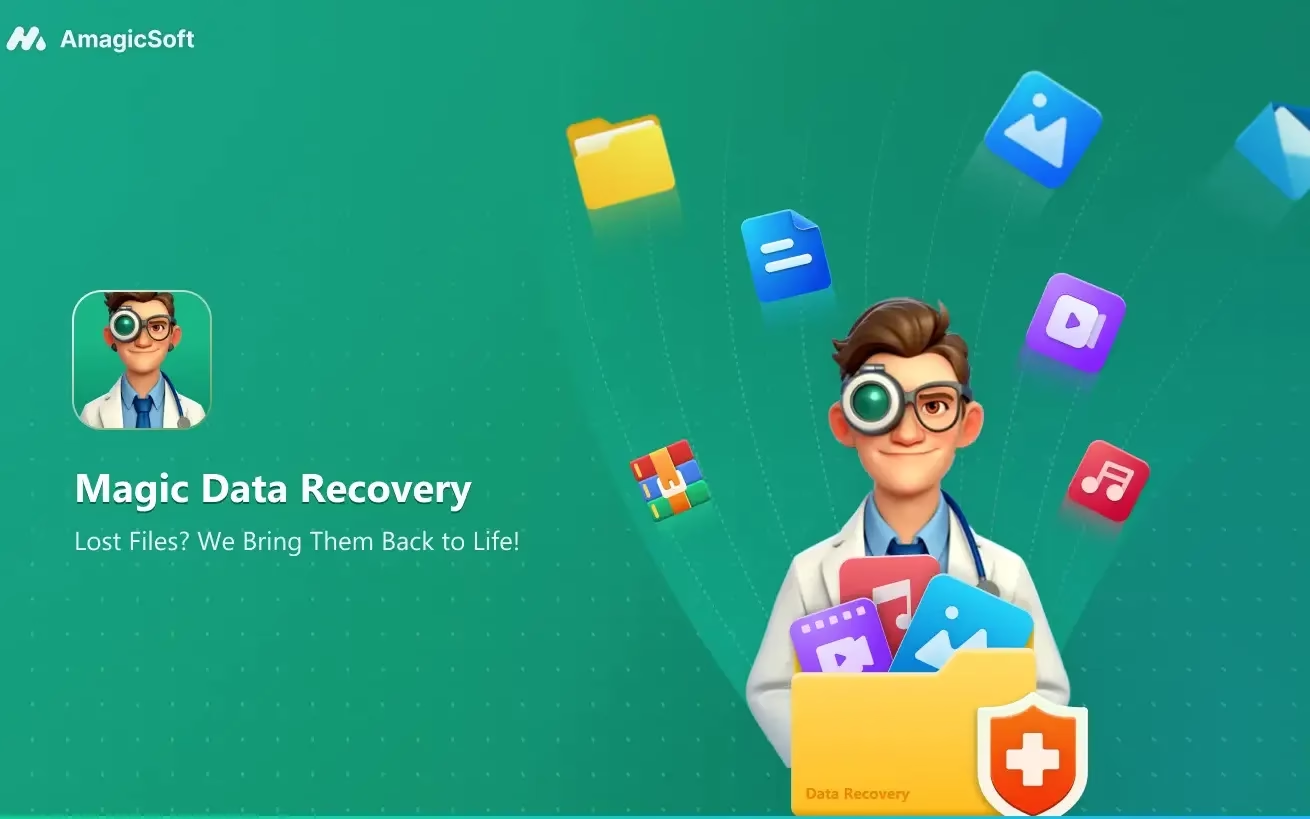
Magic Data Recovery Pro Free License [Windows]
Losing important files can be one of the most frustrating problems for any Windows user. Whether it happens because of accidental deletion, formatting, system errors, corrupted drives, or an unexpected crash, the first thing most people need is a reliable recovery tool that can scan their storage device and bring lost data back safely. This is where Magic Data Recovery Pro becomes a useful solution for Windows users who want a simple, powerful, and beginner-friendly recovery program.
Magic Data Recovery Pro is designed to help users recover deleted, lost, formatted, or inaccessible files from different storage devices, including internal hard drives, external HDDs, SSDs, USB flash drives, SD cards, memory cards, and other removable media. With a clean interface and guided recovery process, the software makes data recovery easier even for users who do not have technical experience.
What Is Magic Data Recovery Pro?
Magic Data Recovery Pro is a Windows data recovery tool created to scan storage devices and search for files that may still be recoverable. It can be useful in many common data-loss situations, such as deleting files by mistake, emptying the Recycle Bin, formatting a drive, losing files after a partition issue, or dealing with a corrupted storage device.
The Pro version usually offers more complete recovery options compared to a limited free edition. With a legitimate free license promotion, users may be able to activate the Pro features for a limited time or under specific offer conditions without paying for a full license.
Why Use Magic Data Recovery Pro?
One of the biggest advantages of Magic Data Recovery Pro is its simplicity. Data recovery can sound complicated, but this tool is built around a straightforward process: choose the drive, scan for lost files, preview available results, and recover the files you need.
It is suitable for recovering many types of data, including documents, photos, videos, audio files, archives, office files, and other common file formats. This makes it useful for students, office users, photographers, content creators, and anyone who stores important files on a Windows computer or external drive.
Key Features of Magic Data Recovery Pro
1. Recover Deleted Files
If you accidentally deleted important files and cannot find them in the Recycle Bin, Magic Data Recovery Pro can scan the selected drive and try to locate recoverable data.
2. Support for Multiple Storage Devices
The program can work with different storage media, including HDDs, SSDs, USB drives, SD cards, memory cards, external hard drives, and other removable devices.
3. Deep Scan Mode
When a normal scan is not enough, deep scan mode can search more thoroughly for lost or hidden files. This can be helpful after formatting, corruption, or severe data loss.
4. Preview Before Recovery
Previewing files before restoring them helps users identify the correct data and avoid wasting time recovering unnecessary files.
5. User-Friendly Interface
Magic Data Recovery Pro is designed to be simple enough for beginners. You do not need advanced technical knowledge to start scanning and recovering lost files.
6. Wide File Type Support
The software can recover many common file types, including photos, documents, videos, audio files, compressed files, and more.
Magic Data Recovery Pro Free License
A free license for Magic Data Recovery Pro can be a great opportunity for users who want to test the full version legally. However, it is important to use only official or authorized promotions. Avoid cracked versions, keygens, fake serial numbers, or unknown license files, because they can contain malware, steal personal data, or damage your system.
A legitimate free license may be offered through the official website, software giveaway campaigns, or trusted promotional partners. The availability, duration, and activation rules may vary depending on the offer.
How to Use Magic Data Recovery Pro on Windows
Using Magic Data Recovery Pro is simple:
- Download and install the software from an official or trusted source.
- Open the program on your Windows PC.
- Select the drive or device where your files were lost.
- Start a quick scan or deep scan.
- Preview the recoverable files.
- Choose the files you want to restore.
- Save the recovered files to a different drive or safe location.
It is highly recommended not to save recovered files back to the same drive where they were lost. This helps avoid overwriting data and improves the chance of successful recovery.
Important Data Recovery Tips
To improve your chances of recovering lost files, stop using the affected drive immediately after data loss. Installing new software, copying files, downloading content, or saving new data to the same drive may overwrite the lost files and make recovery harder or impossible.
For best results, install the recovery software on another drive, scan the affected storage device, and save recovered files to a separate location.
Is Magic Data Recovery Pro Worth Trying?
Magic Data Recovery Pro is worth trying if you need a simple Windows recovery tool for deleted, formatted, or lost files. It offers a practical solution for home users, office users, and anyone who wants to recover important data without dealing with complicated technical steps.
The free license offer makes it even more attractive, especially for users who want to access Pro features legally without buying the software immediately. Still, users should always check the license terms, activation period, and official offer details before installing or activating the program.
Final Words
Magic Data Recovery Pro Free License for Windows is a useful opportunity for anyone looking for a reliable data recovery solution. With support for different storage devices, multiple file types, deep scanning, and an easy-to-use interface, it can help recover important files lost due to deletion, formatting, corruption, or system problems.
If you are dealing with lost data, act quickly, avoid using the affected drive, and use a trusted recovery tool. Magic Data Recovery Pro can be a strong option for Windows users who want a clean and practical way to bring their lost files back.
Magic Data Recovery Pro for Free:
Normally, the Pro version of this software is worth $49.95 (1-year license); now you can get it for free.
Download the software from
Install the software, start it up, and then click the “Key” icon on the main screen of the app. Type in one of the two license codes below in the pop-up window and click “Activate.”