
Nitro PDF Pro is a powerful suite of tools that enables you to perform a full range of PDF creation and editing tasks. You can batch process files, convert files from over three hundred formats to PDF, merge multiple files into one, and scan documents directly to PDF. You can also export files from office applications such as Microsoft Word, PowerPoint, and Excel. If necessary, you can encrypt the contents of created files with a high level of security (40 or 128 bits). The application is a virtually complete, powerful, and functional alternative to the popular Adobe Acrobat and has everything you need to create PDF documents of any complexity.
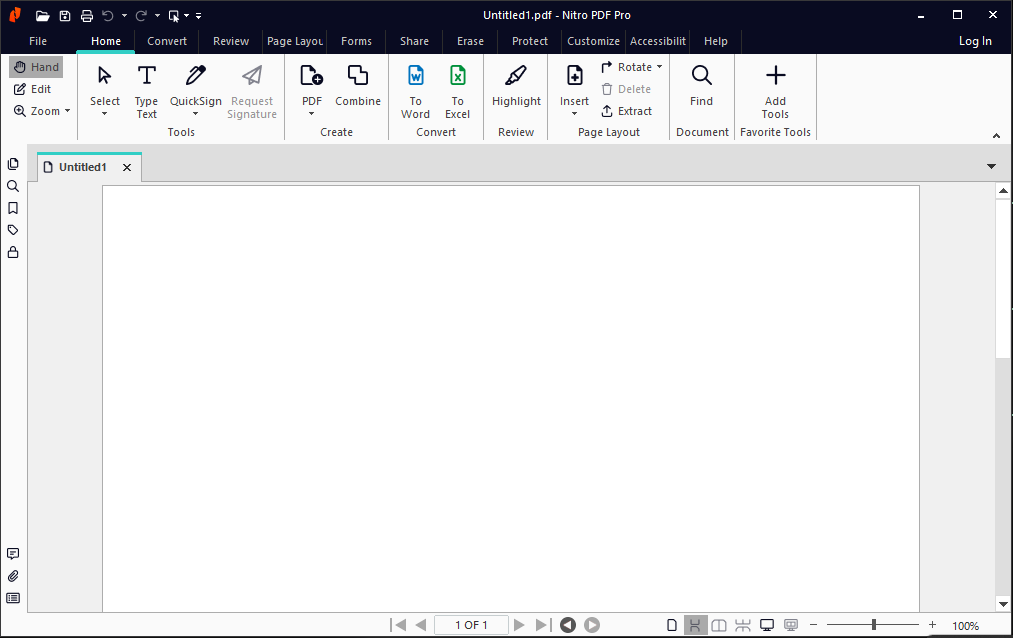
Features:
• Create universally compliant PDFs
Create fully compliant, industry-standard PDFs and PDF/A files compatible with Adobe® Acrobat® that can be viewed on virtually any device with any PDF viewer.
• Easily convert PDFs
Get creative, professional-quality content review using your favorite programs. Convert PDFs to Word, Excel, Outlook, and PowerPoint documents, and create PDFs directly from Office.
• Professionally edit PDFs
Change text, fonts, customize layouts, and more. Optical character recognition (OCR) turns scanned paper documents and images into editable, searchable PDFs.
• Review PDFs with collaborators
Nitro Pro offers a range of easy-to-use markup and editing tools for precise version control.
• Sign PDFs with security options
Nitro Pro makes it easy to sign and certify documents while keeping them secure so sensitive information remains confidential.
• Integrate PDFs into the cloud
Nitro Cloud’s digital signature and workflow management capabilities reduce document workflows and improve accessibility—all from your desktop.
Features:
Create & Convert
• Create new PDFs from over 300 different file types
• Combine multiple files into a single, shareable PDF
• Convert PDFs to MS Office files, PDF/A, and more
Edit
• Convert scanned documents or image files into editable PDFs
• Edit individual words, lines, or paragraphs, and add or replace images and illustrations
• Insert, rearrange, and delete pages, choose fonts, colors, and more
Review and Correct
• Add notes with instructions
• Correct and highlight words and sections of text
• Add detailed directions or replacement text
Sign
• Type text directly on any PDF document
• Insert your electronic signature with QuickSign™
• No more typing, signing, and scanning