Adobe Illustrator 2026 offers vector designers a powerful update: performance improvements—moving, scaling, and transforming objects is now noticeably faster; improved color and gradient tools (including HEX support); expanded artboard management; and the integrated generative Expand feature, which allows you to automatically expand the boundaries of vector objects or artboards while preserving the style, colors, and details of the original.

Changes in version 2026:
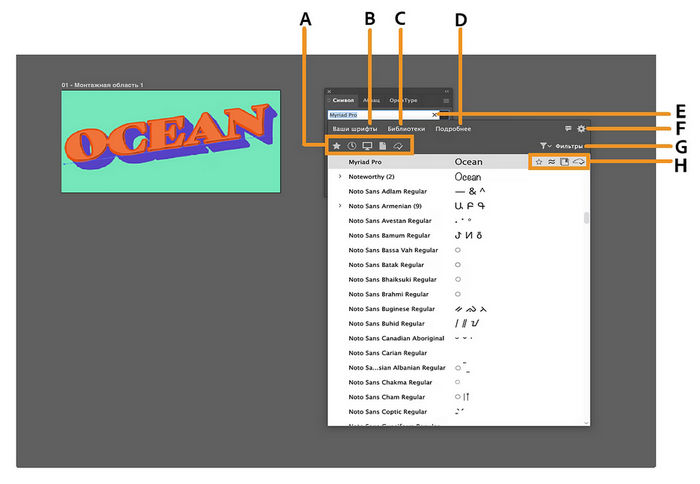
- Easily find, use, and organize fonts. Use the improved font browser with clearer sections and new filters to quickly find your fonts and explore the extensive Adobe Fonts library. Plus, better organize and manage your fonts using Creative Cloud Libraries right in the font browser.
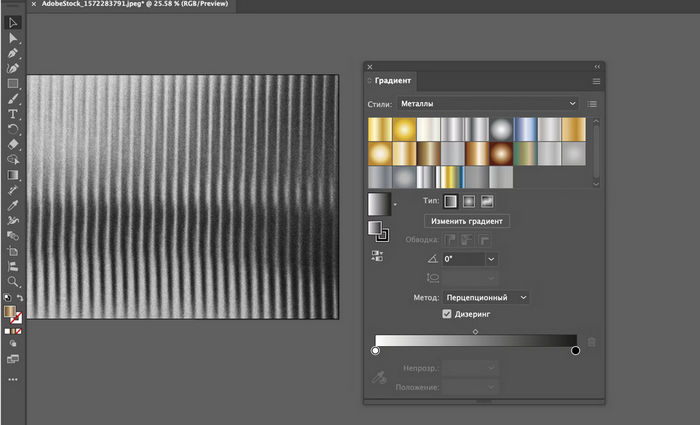
- Smoother color transitions with gradient dithering. Apply dithering to gradients to minimize banding and create smooth gradient transitions in your digital work.
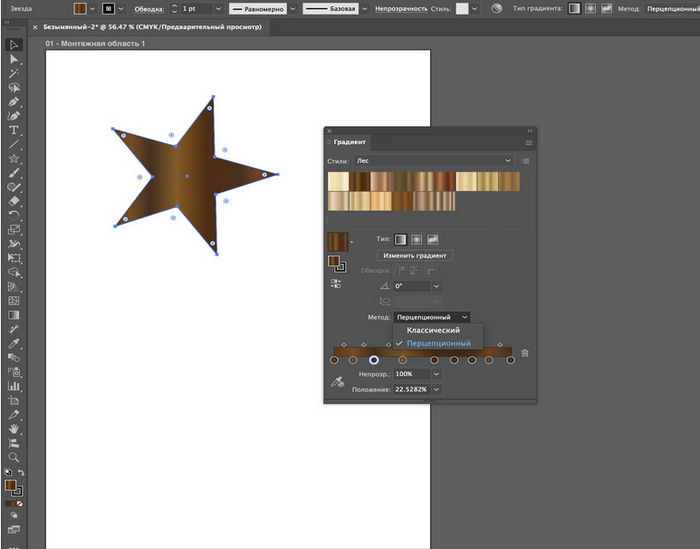
- Control perceptual color blending in gradients for natural transitions. Use perceptual interpolation to create smoother and more natural gradient transitions, tailored to the human eye.
- Browse, select, and apply colors faster with the improved Color Picker. Quickly sample colors and preview them before applying them. This makes it easier to select precise tones from subtle strokes, gradients, or detailed images.
- Apply creative, ready-to-use gradient styles. Speed up your project workflow with a wide selection of gradient styles that let you instantly add color transitions.
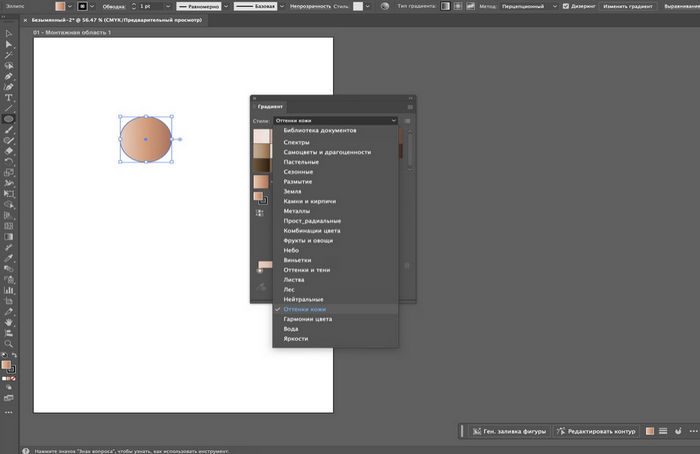
- Snap line endpoints to tangents. Precisely align line endpoints to curves by snapping them tangents, creating smooth contours without manual adjustments.
- Use perpendicular snapping for precise alignment. Snap contours strictly perpendicular to lines or curves, maintaining precise and consistent right angles.

- Prevent accidental edits by locking artboards. Right-click to instantly lock all content on the artboard. This prevents accidental moves and changes, helping you focus on your workspace.
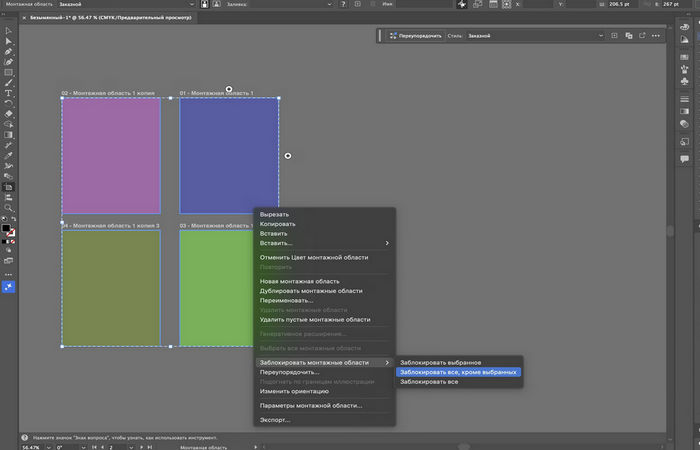
- Personalize your workspace with colored artboards. Assign background colors to artboards to improve visual tracking, separate design areas, and enhance clarity when working with multiple artboards.
- Export only the artboards you need. Select specific artboards and export them directly from the canvas, saving time and effort.
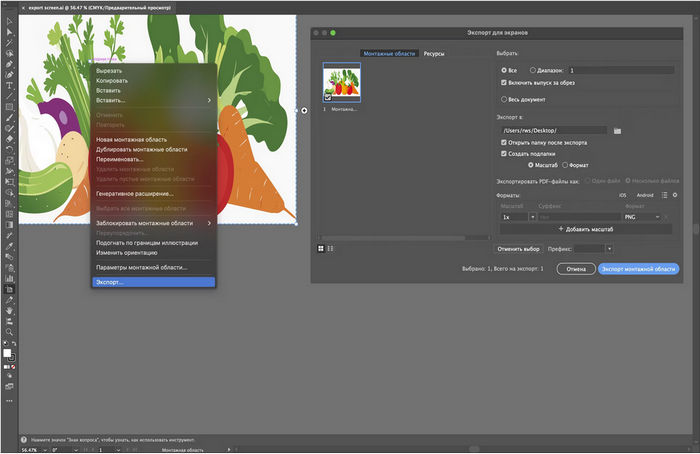
- Manage artboards without leaving the canvas. Right-click to instantly duplicate, rename, lock, export, and organize artboards—all in one place.
- Improved app performance. Save large files faster to ensure your work is immediately protected, quickly and reliably recover files after unexpected crashes, and enjoy smoother editing when moving, scaling, rotating, and duplicating files without lag or interruptions.
- Organize, collaborate, and share in Projects. Create shared environments in Projects to organize and collaborate on files in Adobe Photoshop and Adobe Express.
- Place and edit images from the Adobe Firefly website in the app. Access your Firefly history from the main screen or from the Illustrator workspace to work with raster images created on the Firefly website—without downloading or uploading them.
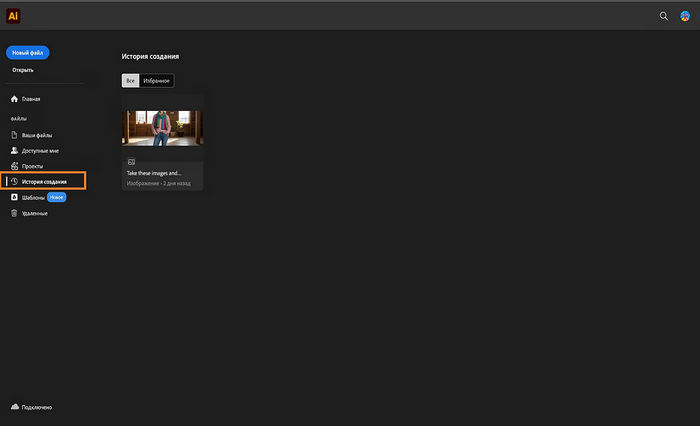
- Speed up your creation with Adobe Express templates. Find the template you need right from the Illustrator main screen and customize it in Express.


15