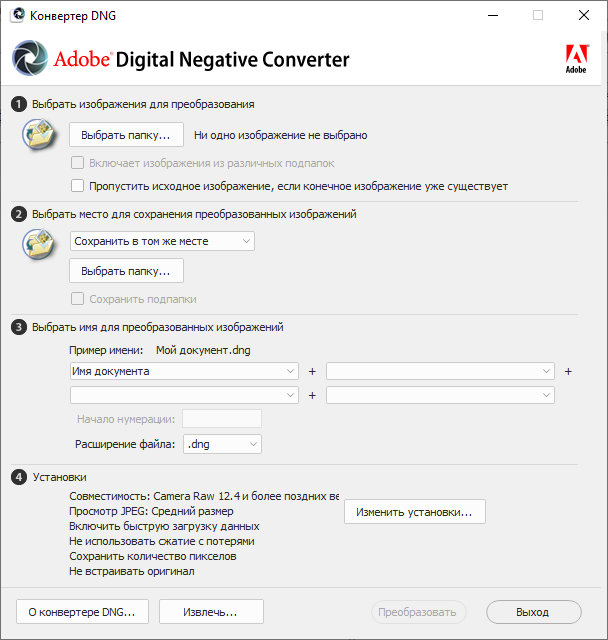
Adobe DNG Converter is a free utility that converts RAW files from over 350 camera models to the DNG format. Another advantage of DNG Converter is its backward compatibility.
The Digital Negative (DNG) format is an openly published RAW file specification that stores the raw data captured by a digital camera’s sensor before it is converted to JPEG or TIFF, along with standard EXIF data, date, time, information about the camera used, and its settings. This format is freely available to third-party software and hardware developers for support.
Why convert to DNG? Unlike most RAW formats from different manufacturers, Digital Negative is an openly published specification supported not only by Adobe but also by other software and hardware developers, who receive it free of charge. Therefore, this file format can be considered safer for long-term archival purposes. Archiving a file in the Digital Negative format eliminates the risk that the Raw file will become unreadable when this camera format becomes obsolete.
The Digital Negative specification supports not only all pixel data stored in current formats but also all the additional, proprietary metadata included by many manufacturers. In some cases, Adobe DNG Converter may ignore some of this proprietary data and include only the basic information necessary to create a high-quality image file. However, the original Raw file can also be embedded in the new DNG format to ensure the preservation of the manufacturer’s proprietary metadata.
Download Adobe DNG Converter 18.3.1 (1.69 GB):
Download Adobe DNG Converter 18.3.1 MacOS (1.69 GB):