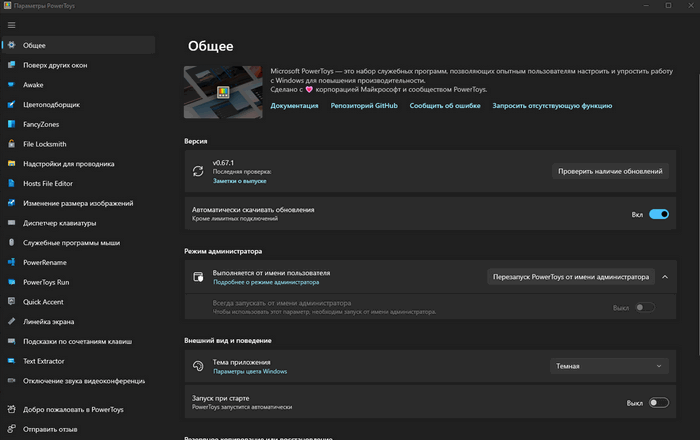
Microsoft PowerToys is a set of utilities that allow advanced users to customize and optimize the Windows 10 and Windows 11 shell to improve OS performance.
Key features:
- The PowerToys panel is an app launcher accessible by pressing Alt + Space. Simply type the name of the app, folder, or file you want to launch and select it from the results list.
- Keyboard Manager – Can remap individual keys as well as keyboard shortcuts. Remapping rules will only work if Keyboard Manager is running in the background.
- FancyZones is a window manager that allows you to easily create complex window layouts and quickly place windows into those layouts.
- Keyboard shortcut tips – An advisor appears when the user holds down the Windows key for more than one second and shows the available shortcuts for the current desktop state.
- Advanced Renaming – batch (group) file renaming. A Windows shell context menu extension for mass file renaming using a simple find and replace or regular expressions.
- Image Resizer is a graphical utility for resizing one or more images via Windows Explorer.
- SVG and Markdown File Preview – PowerToys adds two new features to Windows Explorer: previewing SVG images and Markdown files.
- Color Picker is a color picker utility that displays the color code of any point on the screen in HEX and RGB formats. Press Win+Shift+C to open the tool on your screen.
15