Axialis IconVectors is a specialized vector graphics editor created primarily for developers, UI designers, and software engineers. Its primary goal is to help quickly and accurately create, edit, and seamlessly integrate icons into projects, minimizing the hassle.
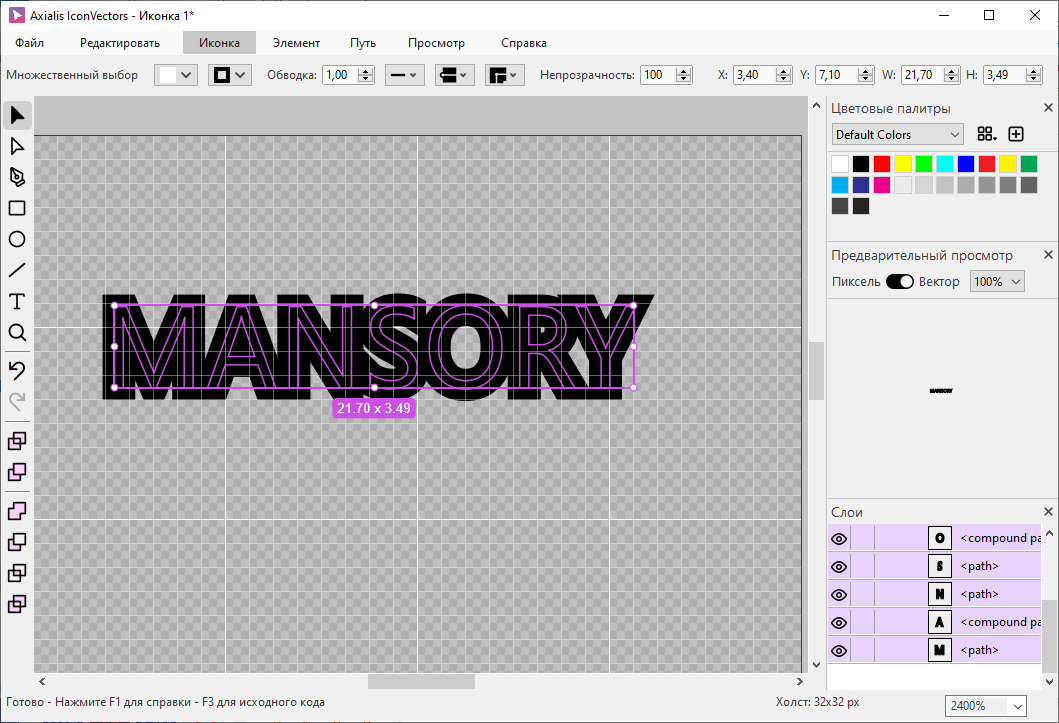
Features:
• Working with SVG. You can open, create and save icons in SVG format — a standard for scalable vector images, which is well suited for small interface elements.
• Tools for precision work. There are tools for editing paths (adding / removing nodes, working with Bezier curves), drawing geometric shapes (rectangles, ellipses, polylines) and Boolean operations (union, subtraction, intersection of shapes).
• Layer management. You can group elements, rename them, change visibility — this helps maintain order in complex icons.
• Real-time code viewing. One of the key features for developers: while you edit the icon, the source code is displayed in a separate window. You can immediately copy it into the project — SVG (including minified), XAML, ReactTS, VueTS, C++, VectorDrawable, SwiftUI are supported.
• Additional tools for UI. You can quickly add badges (status icons — error, sync, new), apply shadows, and create cutouts. There is a generator of color variants for different interface states (active, inactive, dark theme).
• Alignment tools. A customizable grid (16×16, 24×24, 32×24 pixels) and snapping to it help achieve pixel-perfect accuracy — icons will look sharp on different devices. There is also an isometric grid for stylized 2.5D icons.
• Export. In addition to vector output, you can export icons to raster (PNG, BMP, JPG), create icons for fonts (EOT, WOFF, TTF, OTF), as well as platform-specific formats (ICO for Windows, ICNS for macOS).
• Integration. The tool fits well into your workflow: you can copy and paste icons between Axialis IconVectors and other applications (Visual Studio, VS Code, Adobe Illustrator). Version 1.50 introduces support for the Model Context Protocol (MCP), allowing you to connect local AI clients (Codex, Claude, Copilot, Cursor) to automate tasks directly in the editor.
• Interface. Supports dark and light themes that sync with the operating system theme. Multiple windows can be opened simultaneously for convenient work on different icons. The Windows version includes a shell extension—SVG icon thumbnails are displayed in File Explorer.
