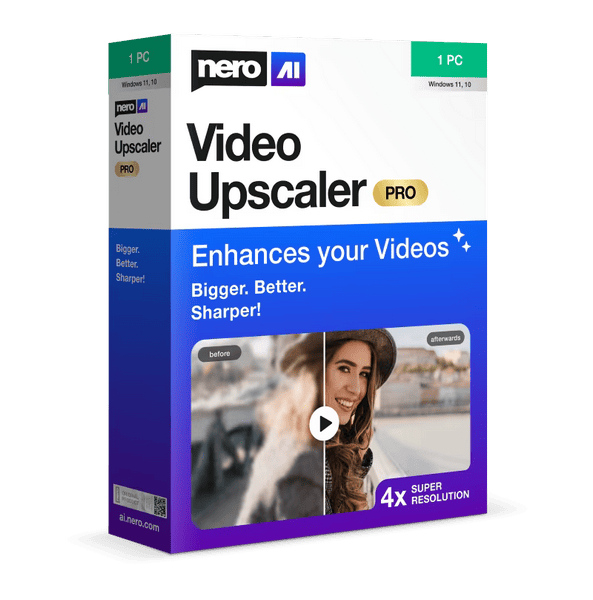
Powered by cutting-edge AI technology, Nero AI Video Upscaler PRO takes video to the next level. Upscale movies, clips, and recordings to 4K or 8K resolution—sharp, detailed, and colorful. This makes old videos look fresh again and new projects even more stunning.
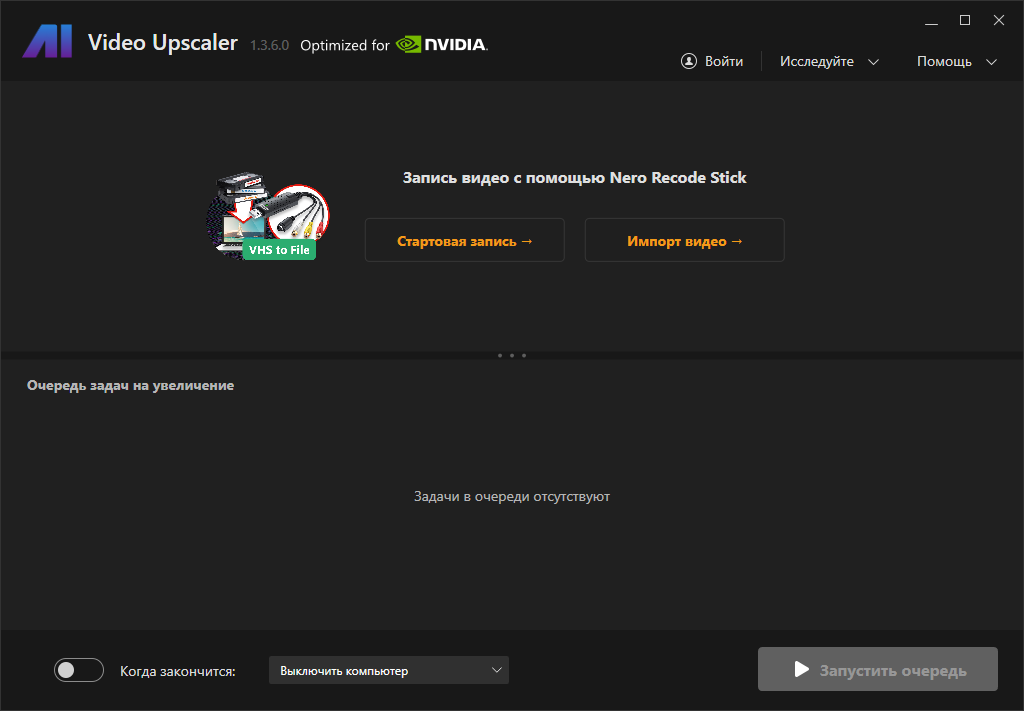
Features:
• Real-Time Quality Preview – It lets you compare the original video and its upscaled version in real time.
• AI Frame Interpolation – Nero AI Video Upscaler analyzes video frames and fills in the gaps, increasing the frame rate, making your video look smoother and more fluid. You can increase the frame rate up to 120 FPS for a truly smooth effect.
• Face Enhancer – This specialized upscaling algorithm is designed to enhance the clarity and detail of faces in your videos.
• Video Color Adjustment – Fine-tune your videos by adjusting brightness, contrast, saturation, sharpness, and white balance for enhanced image clarity.
• Upscaling Presets – Create your own presets or choose one of the factory presets to quickly start working on your project.
Super Resolution
– Enhance videos up to 2 or 4 times the original quality.
– Remove noise and grain for crystal-clear images.
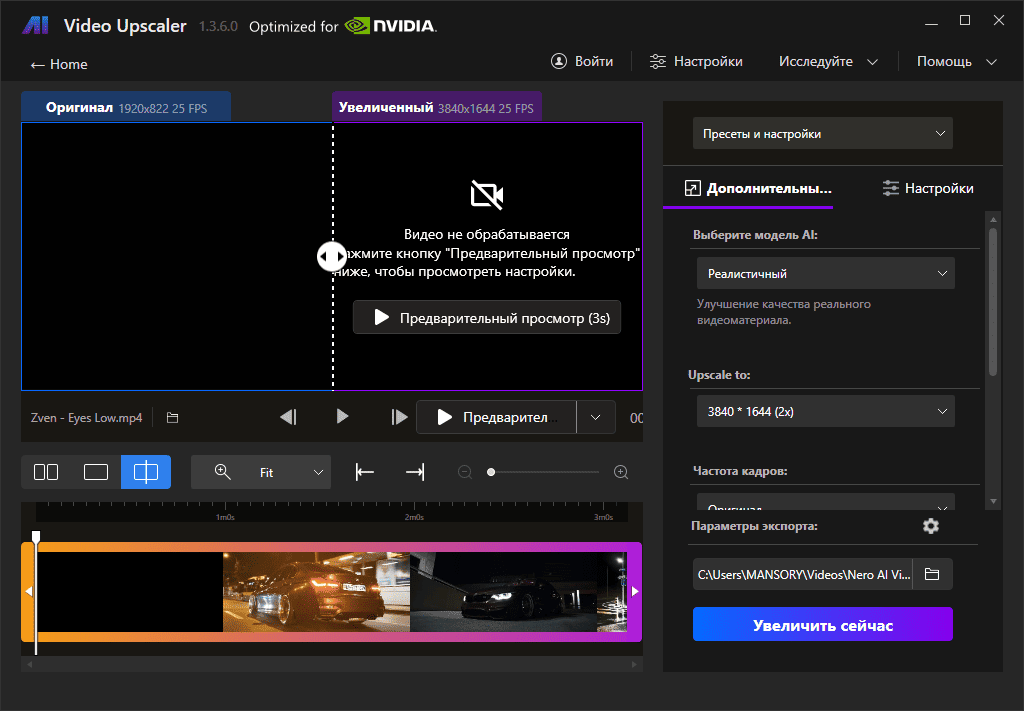
6 AI models for every need
– Fast: Fast upscaling, ideal for projects that require fast turnaround.
– Animation: Recommended for animation and AI-generated content.
– Realistic: Enhance real-world video footage for the most realistic quality.
– Versatility: Enhance video quality with fewer artifacts and preserve more detail. –
Face Enhancement: Face detection, recognition, and video enhancement can be used to recover faces from old videos and improve overall quality.
– Recovery (New) – Designed to restore fine textures and bring old or low-quality video footage back to life.
Clip Selection
Enhance any clip in your video without having to trim it first.
AI Frame Interpolation
Nero AI Video Upscaler intelligently analyzes the frames of your video and fills in gaps to increase the frame rate, delivering truly smooth and seamless playback. Increase the frame rate up to 120 FPS for the smoothest playback possible.
– Slow Motion – Create high-quality slow-motion effects without using high-speed cameras.
– Low Frame Rate Video – Convert low frame rate videos to 60 FPS or even up to 120 FPS for super-smooth and comfortable motion.
– AI-Generated Video – Play AI-generated videos at up to 120 FPS for professional quality.

Minimum Requirements
• Windows Operating System: Windows 10 64-bit or Windows 11 64-bit
• Processor: AMD Ryzen or Intel Core processors released after 2017
• System Memory (RAM): 8 GB RAM
• Graphics Card (GPU): AMD Radeon 500 series / NVIDIA GeForce GTX 900 series or higher, 4 GB VRAM for Full HD upscaling to 4K
• At least 20 GB of free space on your system hard drive Download Nero AI Video Upscaler Pro 1.3.16.0 (486.19 MB):
| | | |