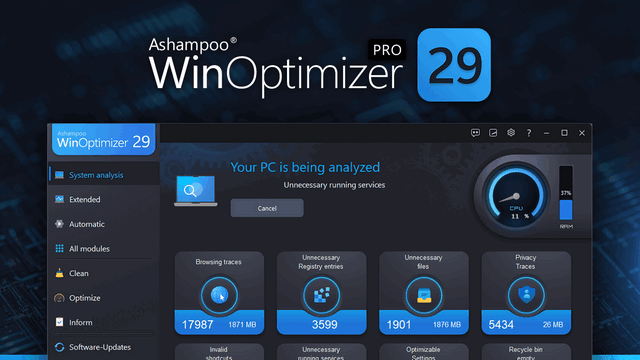
Over time, Windows slows down, accumulates useless files, and transfers more data than you’d like. Ashampoo WinOptimizer Pro 29 thoroughly cleans your system, boosts performance, and restores speed instantly and noticeably. Unnecessary files are removed, processes are optimized, and your privacy is preserved. Your computer will run quickly, stably, and cleanly again. Almost like a fresh installation.
Your benefits
• Instantly speed up your PC
• Four powerful cleaning tools in One-Click Optimization
• Find and remove sensitive data with Privacy Traces Cleaner
• Analyze crashes and error reports with Crash Analyzer
• Advanced system analysis to optimize key areas
• Tune Windows with Tuning Assistant
• Thorough deep cleaning of unnecessary files
Install program updates with ease
Ashampoo WinOptimizer Pro 29 introduces one of the most requested features: the Program Updater. It lets you easily update your installed applications without any hassle. Many other aspects of the program have also been improved. These include updated cleaning tools, additional cleaning areas, new settings, and a significantly simplified interface.
More details and control for every update
Always stay up to date. Intelligent filters and safety mechanisms ensure that only justified updates are taken into account and critical components are excluded. You decide which programs to update and receive all the important information in a clear and structured form. This ensures that your applications are always up to date, secure and reliable.
More details and control for every update.
Stay up-to-date. Intelligent filters and security mechanisms ensure that only legitimate updates are included, while critical components are excluded. You decide which programs to update and receive all the important information in a clear and structured format. This ensures that your applications are always up-to-date, safe, and reliable.
Improved cleaning tools for even more thorough results.
Time-tested cleaning tools have been improved and are now even more effective. Internet Cleaner supports the latest versions of Chrome, Firefox, Edge Chromium, and Opera. Drive Cleaner, Registry Optimizer, and Privacy Traces Cleaner now more thoroughly remove system residue, obsolete entries, and privacy-related traces, helping to make your system even cleaner.
Even more important areas are now within easy reach.
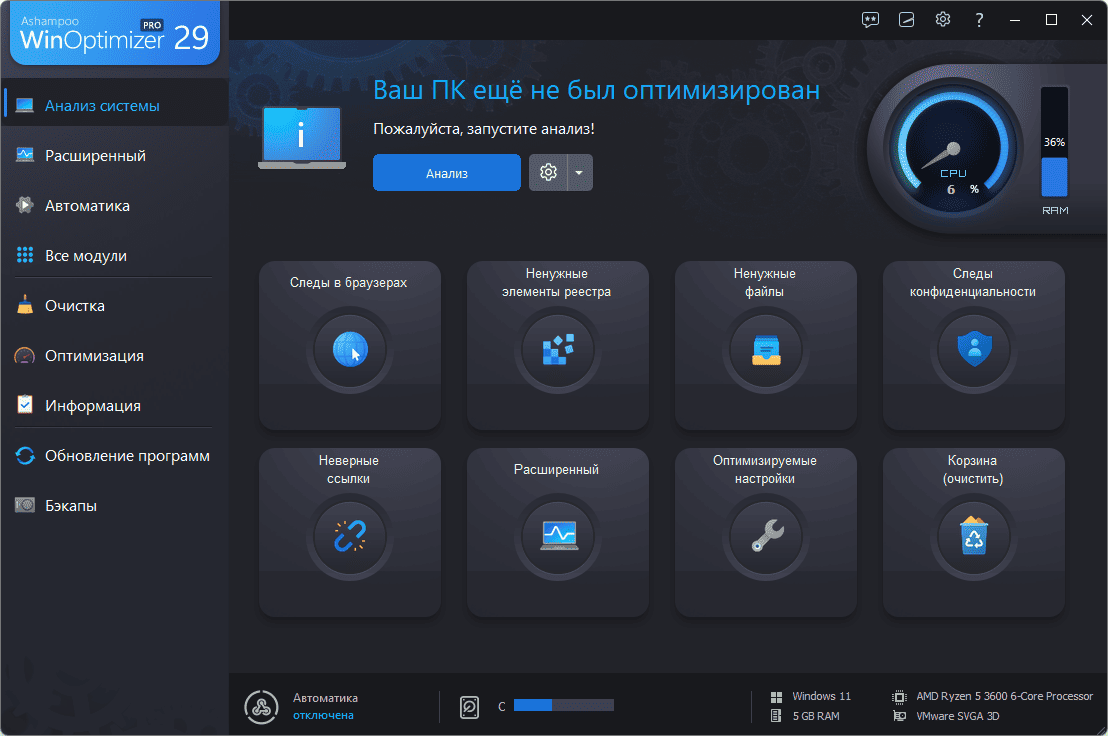
The new “Advanced” section gives you access to additional sections on the start page that you can quickly and easily clean. These include usage data, delivery optimization files, and other sections that can be cleaned directly. We’ve also significantly expanded WinOptimizer’s system settings optimization capabilities, with twice as many options now available depending on the system. New recommendations for disabling unnecessary services help optimize Windows even more precisely.
More modern technologies, easier management:
WinOptimizer has undergone a number of internal improvements. Many modules have received a refreshed visual style, and the program’s operation has been significantly simplified. Two particularly important modules—Privacy Manager 2 and Tweaking 2—have also been technically redesigned and enhanced with new settings. Settings can now be enabled and disabled with greater precision, backup sizes have been significantly reduced, and the application itself is even more secure. This gives you even more options for protecting and customizing Windows.